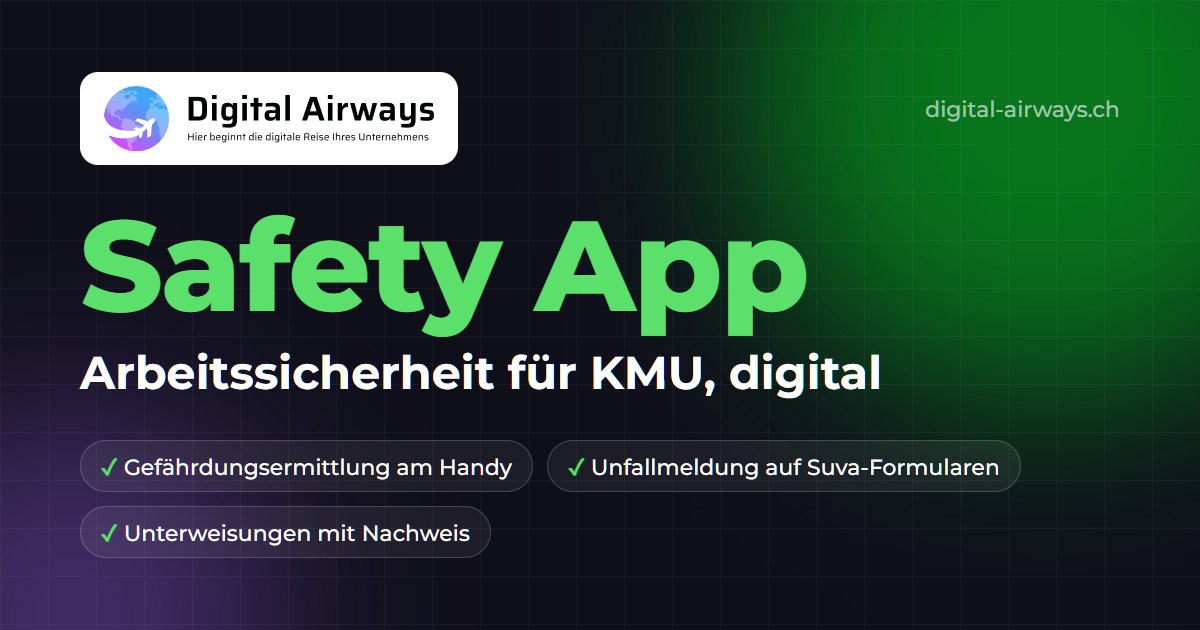
- Safety App
More overview. Less risk. Zero paperwork.
Workplace safety — structured, audit-ready, fillable on mobile. From hazard assessment through accident and incident management to emergency planning: all safety-relevant processes central, digital and traceable — fully integrated into Microsoft 365.
30 minutes · no obligation · no standard sales pitch
SUVA interface
As the only Microsoft-based safety app, Digital Airways offers a direct connection to SUVA checklists, forms and safety data. All current SUVA documents are automatically available — always up to date, always compliant.
SUVA: hazard assessments and action planning with checklists →Features
How the Safety App works
Digital hazard assessments
Inspections via app, even without an internet connection. Checklists and photos are captured directly — hazards documented instantly, nothing gets lost. All SUVA standard checklists additionally available, or import your own checklists.
Action tracking
Every hazard assessment instantly becomes an action with an owner, deadline and automatic reminders. Escalations run automatically when deadlines are missed. No more manual chasing.
Transparent documentation
Complete, audit-proof documentation of all safety activities, ISO 45001 audits and internal inspections. Exportable with one click.
Automated workflows
Processes run automatically, from reporting through assignment to approval. Your safety officer saves up to 60% of admin time and focuses on what matters.
Dashboards & analytics
Statistics, open actions and risk trends — all on one dashboard. Reports for management and stakeholders at the push of a button. No more manual analysis in Excel.
Microsoft 365 integration
The Safety App runs right in Microsoft Teams and SharePoint — no login to a new system, no IT installation, no training for a new platform. Your staff are ready from day one.
Your benefits
What you get out of it
- Cut the time for hazard assessments by up to 60%
- Real-time overview of all open actions
- Complete documentation, ready for ISO 45001 and internal audits
- Glove-friendly and mobile-optimised for use in production
- Seamless integration into Microsoft 365 and Teams
- Implementation in 2 weeks
- SUVA interface available: all SUVA checklists can be shown directly in the app
- Proven as an industry solution: already deployed industry-specifically by industrial companies
Download our Safety App fact sheet
All features, modules and pricing as a compact PDF — straight to your inbox.
By submitting, you agree to our privacy policy.
Your questions about the Safety App — answered directly.
Does the Safety App also work without an internet connection?
Yes — safety inspections can be carried out offline. Data is stored locally and synced automatically the next time a connection is established. Ideal for production halls, basements or outdoor areas.
Can I import existing checklists?
Yes — existing checklists can be imported. In addition, all current SUVA standard checklists are already pre-integrated into the app and always up to date. You no longer need to create any checklist manually.
Is the app ISO 45001 compliant?
Yes — the Safety App is aligned with the requirements of ISO 45001 and SUVA. All documentation, evidence and analyses are stored audit-proof and ready for audits at any time.
How are actions tracked?
Actions are created immediately when a hazard is captured, assigned to an owner and given a deadline. Automatic reminders — and escalations when deadlines are missed. The status of all actions is visible on the dashboard at any time.
Do we need our own IT department to run it?
No. Because the Safety App is based on Microsoft 365, it runs on infrastructure that Microsoft operates and maintains. Your IT doesn’t need to install or configure anything. We support you with adjustments — or your IT can handle them with standard Microsoft knowledge.
Who is behind Digital Airways?
Digital Airways was founded by Dario Tomas and Cesar Moreira — two process engineers with over 10 years of experience in Swiss industry. We are not a classic IT company; we understand your business processes first-hand.
How long does a typical implementation take?
Usually 2 weeks — including setup in your Microsoft 365, import of your checklists, configuration to your processes and training of your safety officers. After that the app runs on its own.
These industrial companies rely on the Safety App
How many hours will your team lose this week?
Book a free 30-minute call. We will show you concretely what is possible in your company — and what it costs to keep going the way you have.
No obligation · 30 minutes · reply within 24 hours
Prefer to write? Send us your request
We reply within 24 hours, guaranteed.